WedgeJan 2026 to now7 min read
Wedge, a studio that runs on the software it builds
I founded Wedge, a design, web and AI studio, and built the agency OS it runs on, where client feedback files itself as work and status computes itself, then prototyped a version for other agencies.
- Role
- Founder
- Period
- Jan 2026 to now
- Team
- Founder-led studio
- Stack
- Node 22, Hono, SQLite, React 19, Vite, SSE, Payload 3, Next.js 16
- AI in the loop
- Claude Code, Codex, MCP servers, Playwright, OpenAI tool loop
01 · Why
I keep building the system other people run on
In high school I co-founded Digital Enterprise, which taught high schoolers to start businesses and grew to hundreds of students across more than 20 schools. I built its Webflow site and registration platform and ran its operations on Notion, Airtable and Zapier. I also ran a small web studio for businesses, charities and student projects. Most of what I built back then was the thing other people ran on.
That thread comes from something I wrote about in 2023, the dignity of gainful employment. Every venture since has been about opening a door to work or opportunity for someone. Wedge is the version of that for small businesses, and for the small studios that serve them.
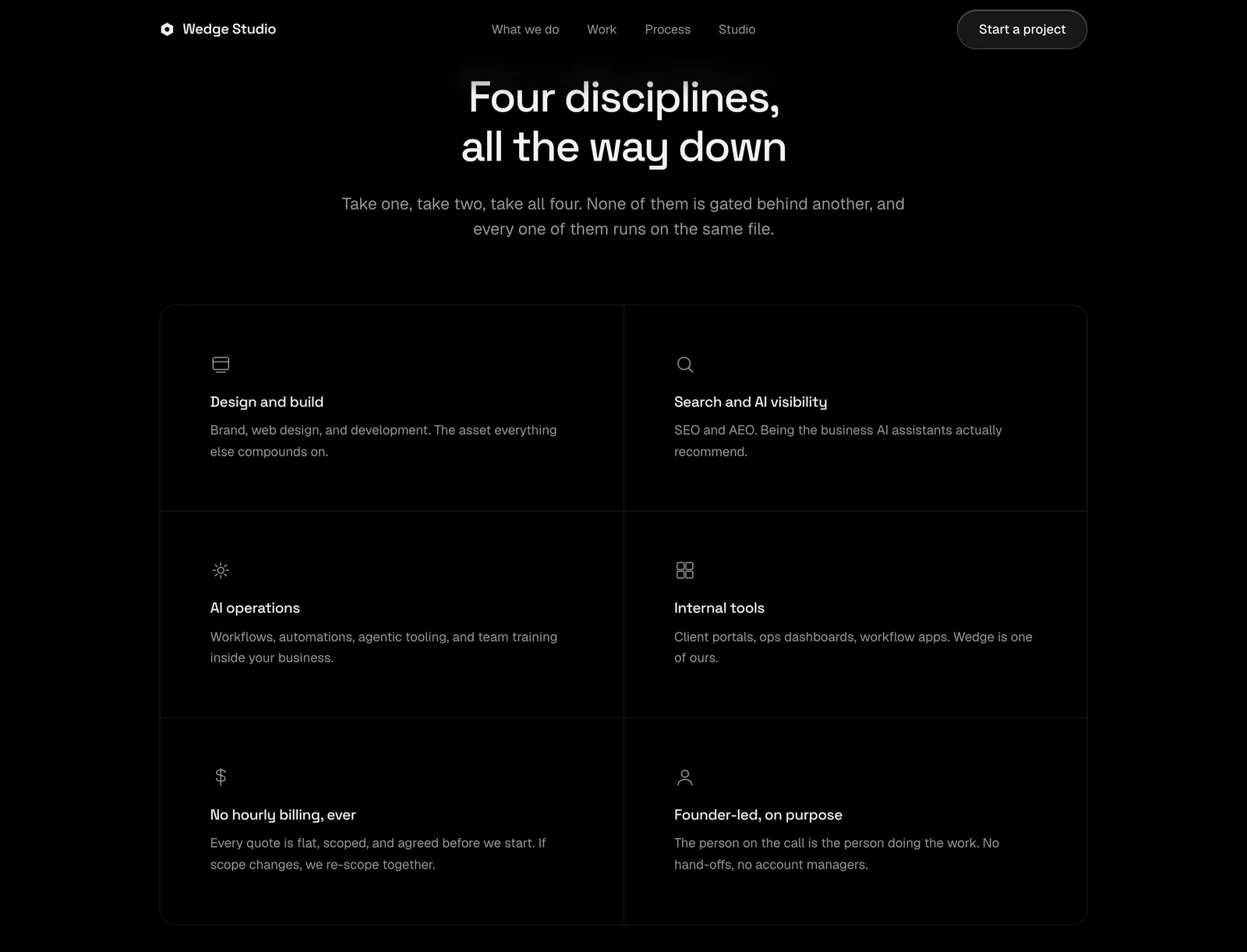
I founded Wedge in January 2026 as a design, web, search and AI studio in Los Angeles. The studio page says it plainly. The person who hears your problem designs the fix, ships the code, and answers when something breaks.
That promise only holds if the busywork around the work gets out of the way. So Wedge became two things at once, a studio and the software it runs on. The goal for the software is to automate the busywork between a client asking and the studio shipping, and to be exact about how far that goes today.
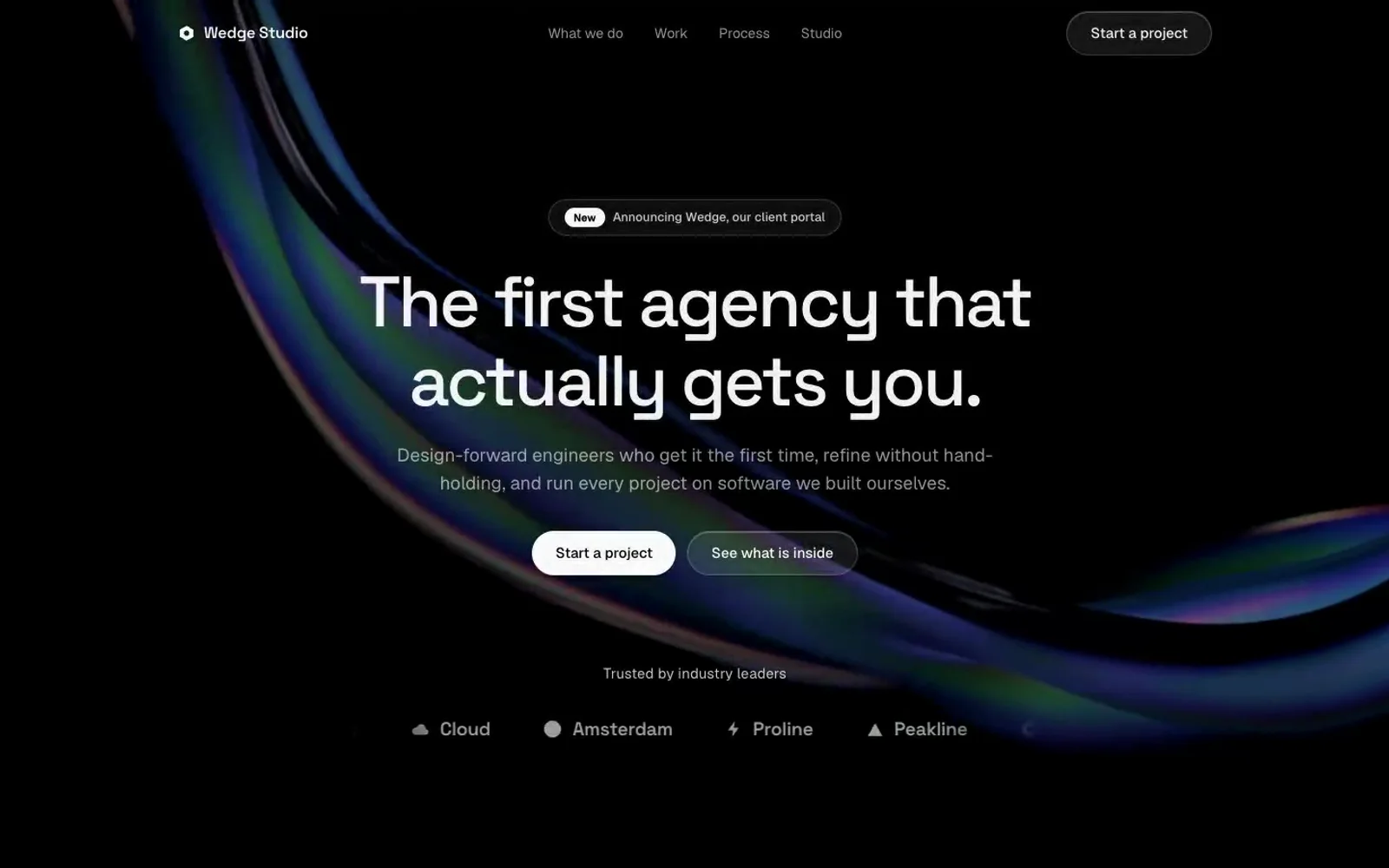
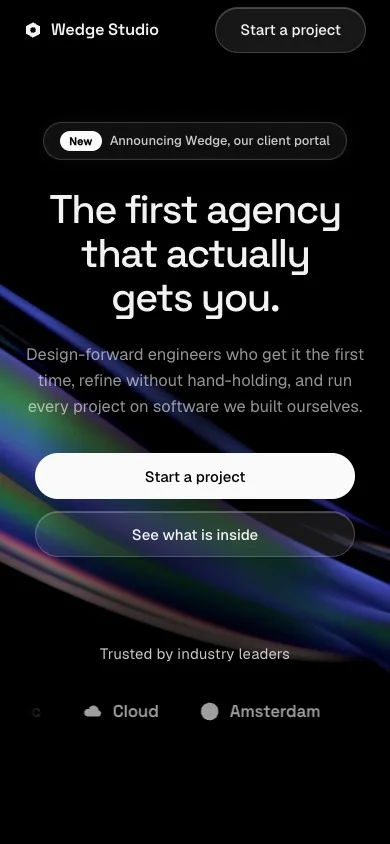
The public face of the studio. Intro, hero and a manifesto that lights up as you scroll.
02 · The first lesson
The first portal taught me status cannot be typed
I shipped the first client portal, Docket, on July 7, 2026, for the studio's first client. It was a dependency-free Node server with hashed passwords, signed cookie sessions and one JSON file per client. It went live that week.
Then it went quietly wrong. The client's data froze on July 8 while the engagement kept running for weeks. Every status field depended on someone remembering to update it, and nobody trusts a portal that depends on that.
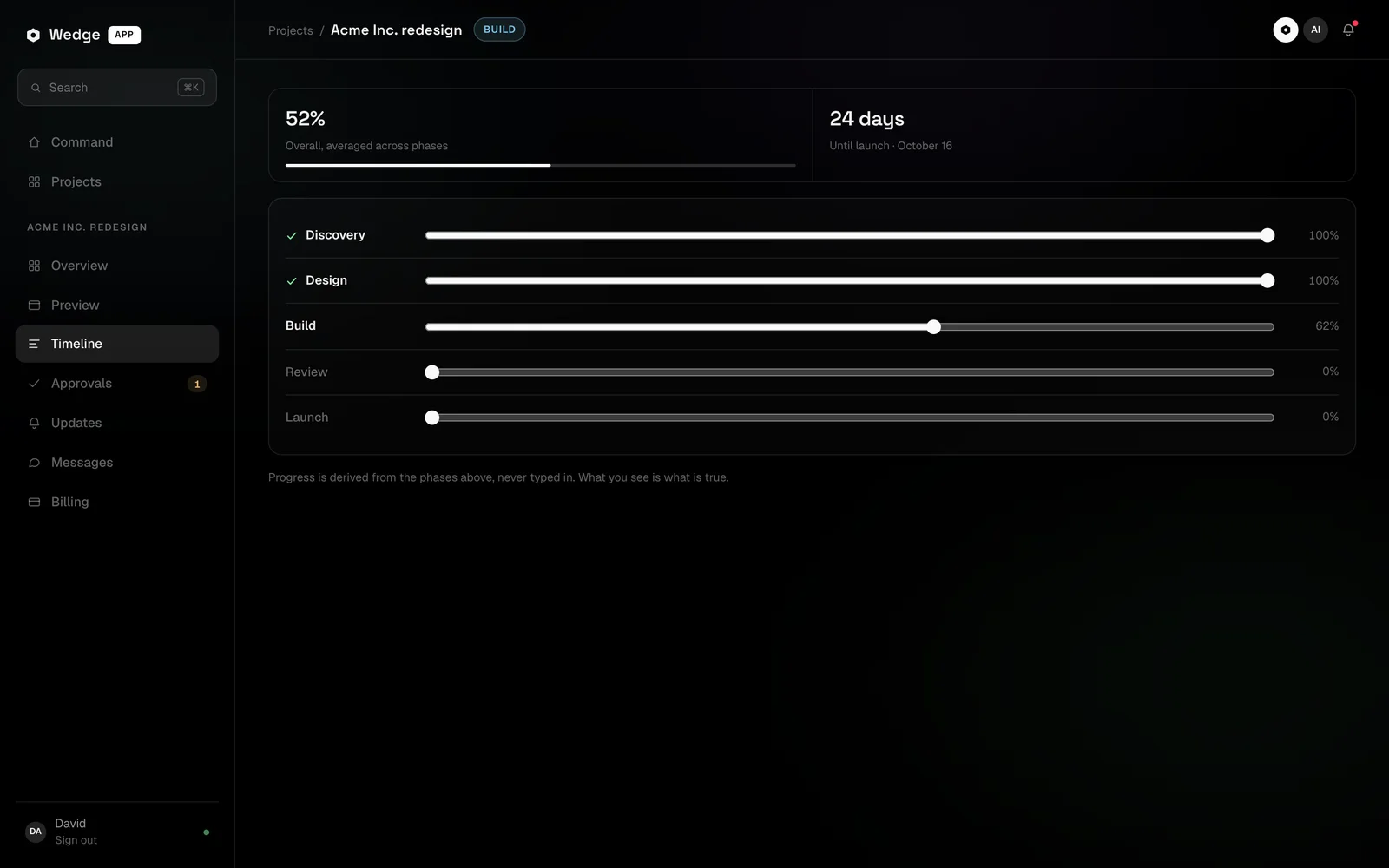
I wrote one rule for everything after it. Status is derived, never typed. I rebuilt around that rule twice in seven weeks, first as Agency Trackr on Next.js and Supabase on August 21, then from scratch as the Wedge app on August 23.
Two days after Agency Trackr I decided to rebuild from scratch on a smaller stack I fully control, with no hosted backend. The Wedge app went live the same day.
| Version | Date | Stack | What it taught me |
|---|---|---|---|
| Docket | Jul 7 | Node, static pages, JSON files | Typed status goes stale |
| Agency Trackr | Aug 21 | Next.js, Supabase | Derived status works, the stack was heavier than the job |
| Wedge app | Aug 23 | Hono, SQLite, React 19, SSE | Live since that day |
03 · The product
One place where the project tells you where it stands
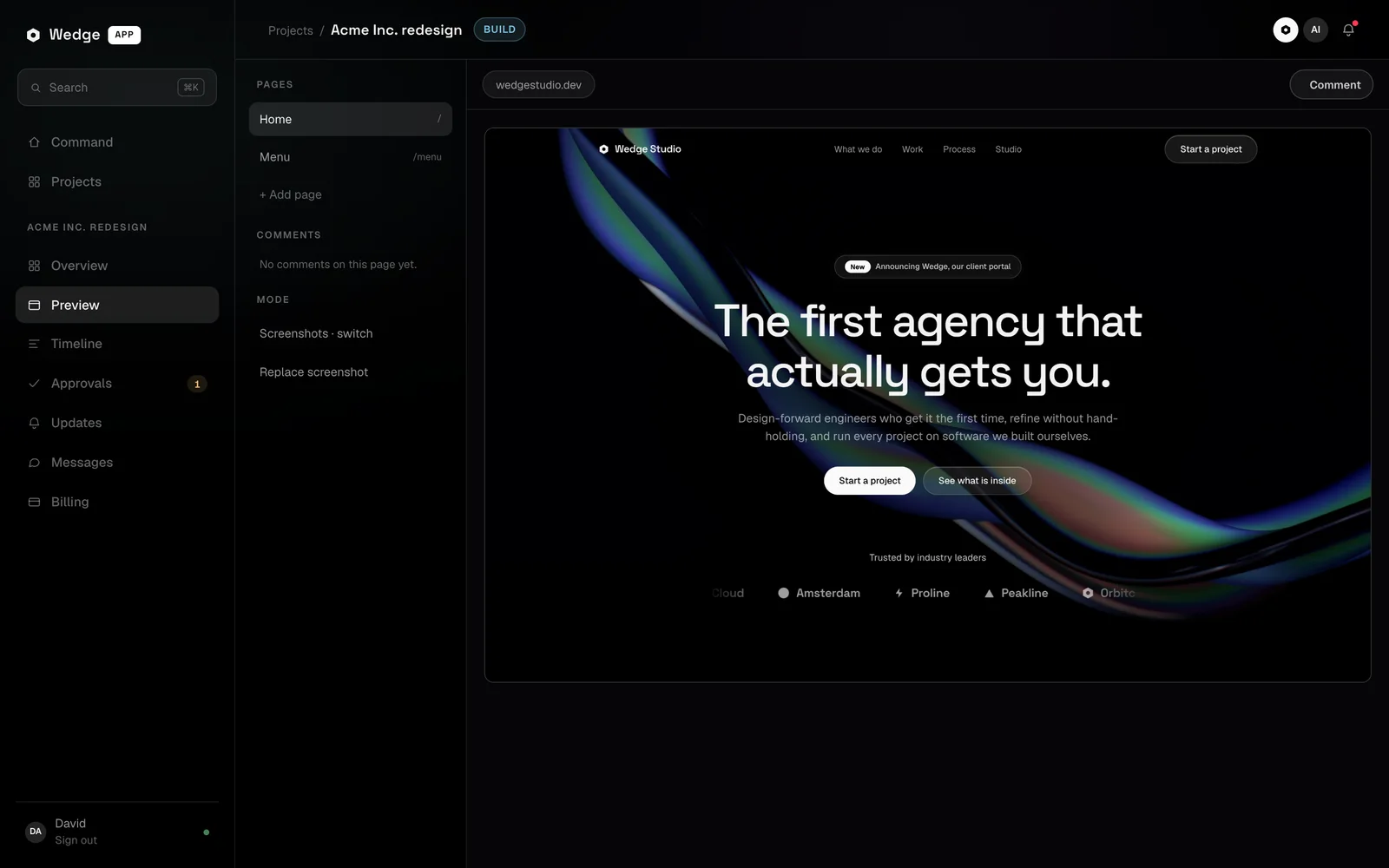
The Wedge app is the client portal and the agency OS in one. The studio sees every project. A client sees only their own, and that boundary lives in one scoping function that every read and write passes through.
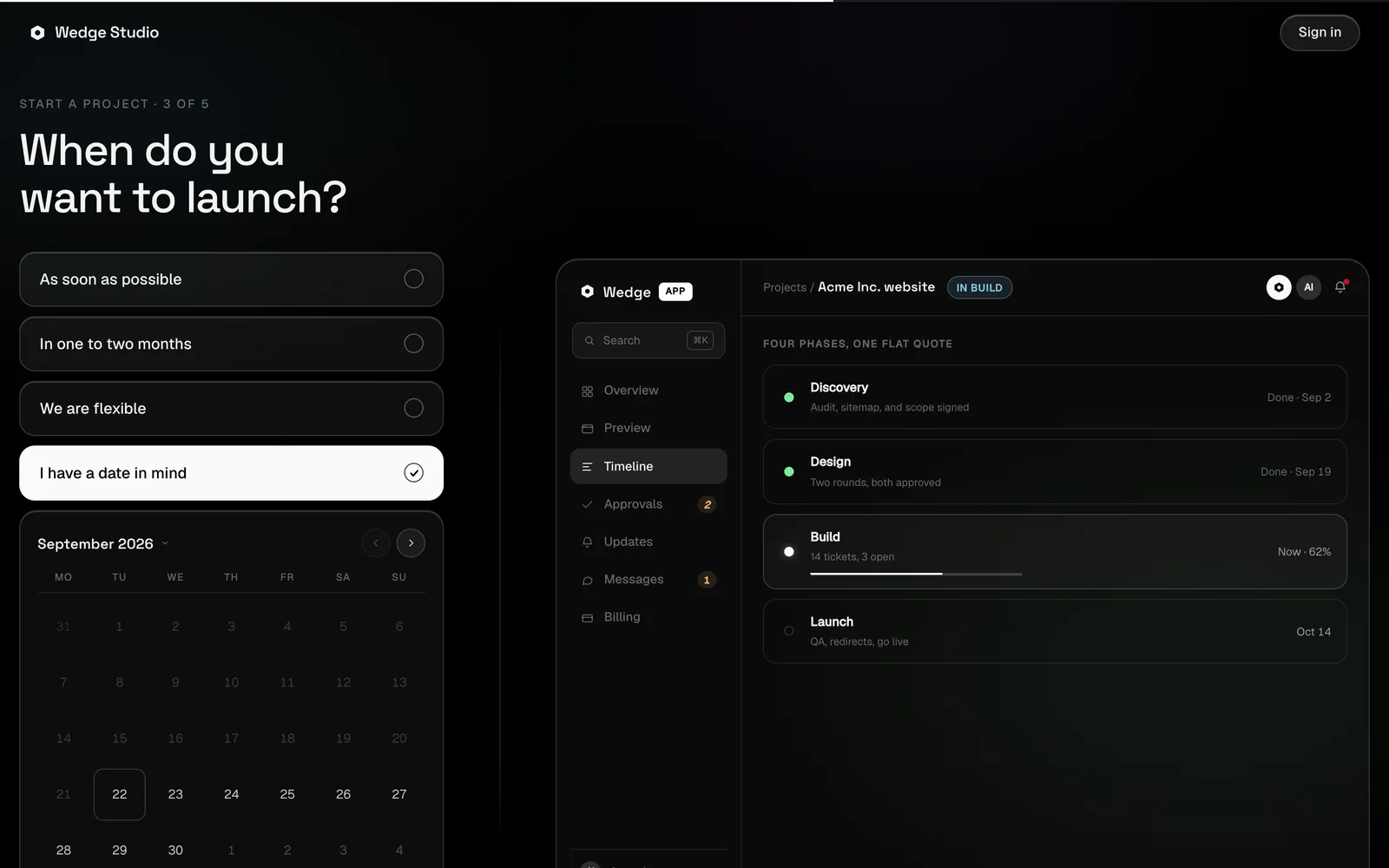
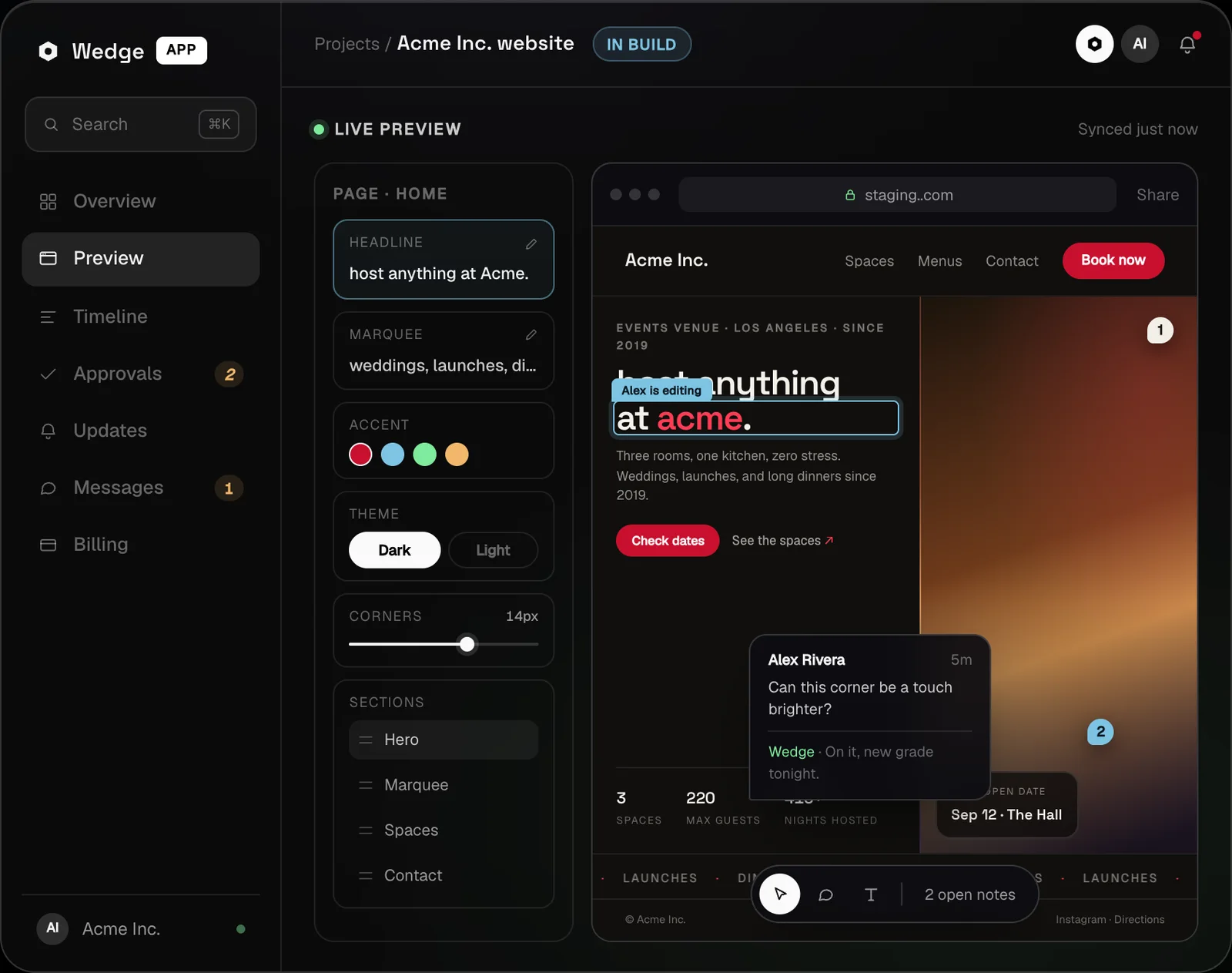
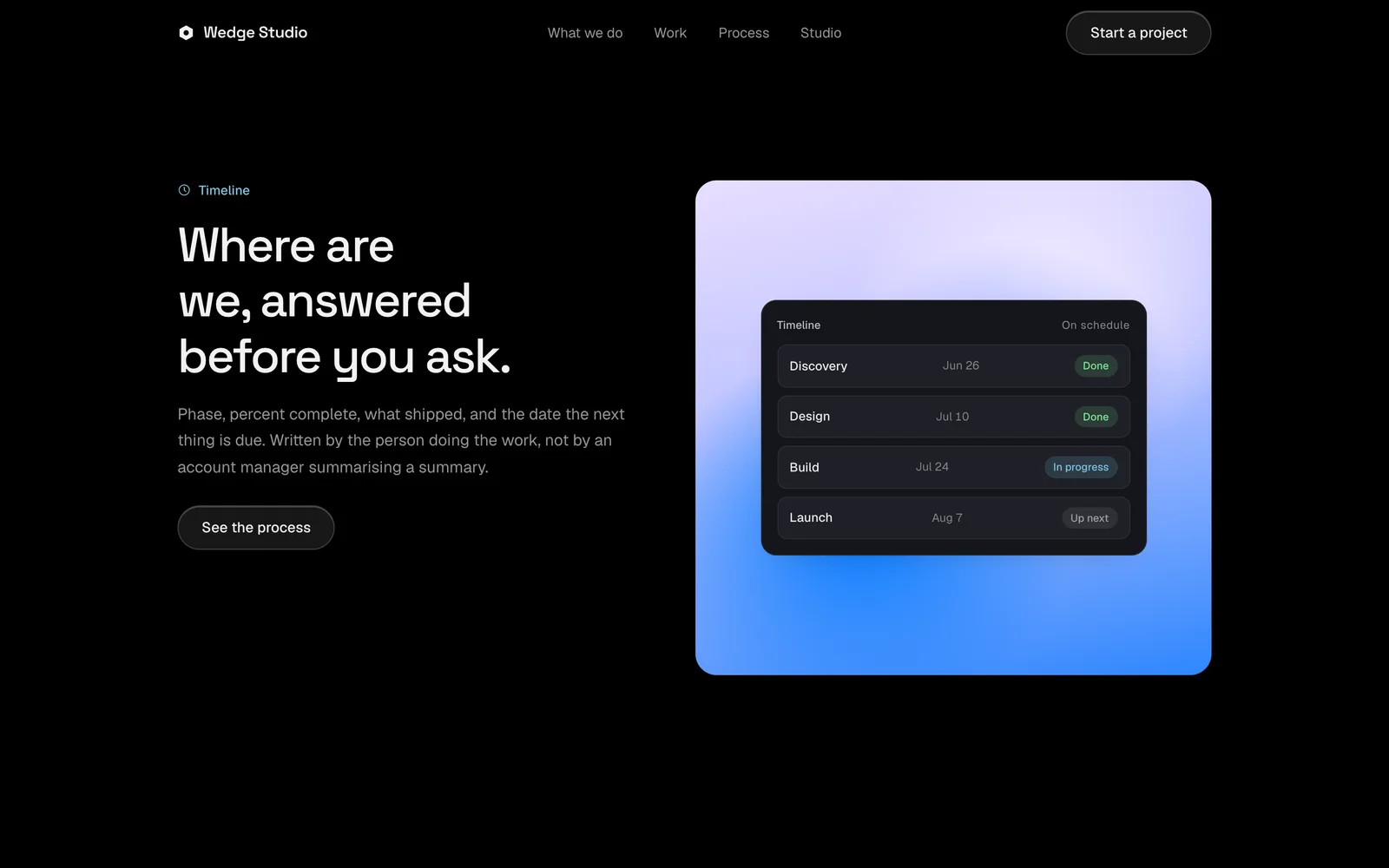
Each project has the same tabs on both sides. Overview, a live preview of the build, timeline, approvals, updates, messages and billing. The aim is that the page answers where things stand before anyone has to ask.
Under the hood it is Node 22 and Hono over the built-in SQLite driver in WAL mode, with React 19, Vite and TanStack Query on the client. Every change streams to both sides over server-sent events, so an approval on one screen shows up on the other without a refresh.
I held the server to strict constraints. No native addons, a short dependency allowlist, and one esbuild bundle that ships to the VPS with no node_modules at all. The database backs itself up every six hours and keeps the last 14 copies.
04 · Feedback
Clients request fixes in the UI, and the request files itself
The most expensive handoff in client work is turning a comment into a task. I wanted clients to ask for a fix in the place where they see the problem, and I wanted the ask to become tracked work without anyone copying it anywhere.
In the preview tab a client clicks Comment, drops a pin on the exact spot, and writes what should change. Pins are stored as percentages of the page so they stay on target at any size. One button, Comment plus revision, files it as a revision the studio has to close.
Clients can also just ask in words. The project assistant calls a create revision tool and the request lands in the same list, tagged by where it came from, pin, chat, assistant or manual. The studio moves each one from requested to in progress to done, and every move writes an event to the feed.
The end state I am designing toward goes one step further. A client asks for a fix, and a draft change arrives for the studio to review and merge. That is the direction, not the product today. Today the request stops at a tracked revision, and a person does the work.
05 · AI in the product
An assistant that works through tools and never sends on its own
The home screen is one prompt box over every project and client. I built the assistant as a streaming tool loop on OpenAI with nine tools, among them project status, revisions, update summaries, invoices, inbound briefs, navigation and drafting a message.
Two product decisions shaped it. The tools call the same scoped functions as the REST API, so what a client can see or change is enforced in code and never left to a prompt. And the assistant does not send messages. It drafts into the thread's composer, and a person reads it and presses send.
I care about that line. A studio's reputation lives in what it tells clients, so the machine drafts and a person approves.
The same judgment runs how I build. Claude Code and Codex are my build loop, with MCP servers for the tools around the work and a brief file in every folder so agents start with context. Headless Playwright checks the pages before I call anything done. The agents write a lot of code, and I decide what gets built and what ships.
06 · For other studios
Docket for agencies, the same system packaged to share
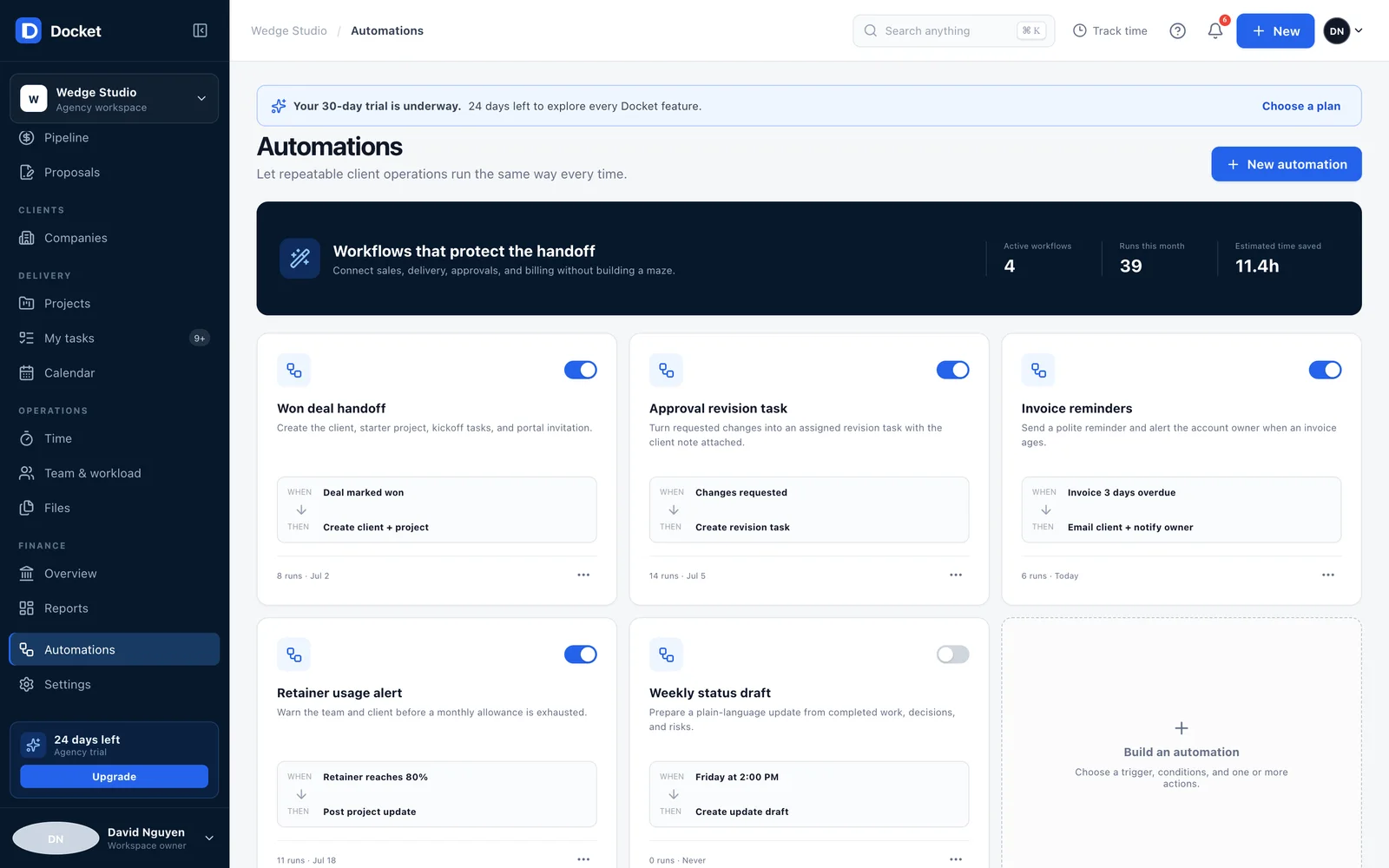
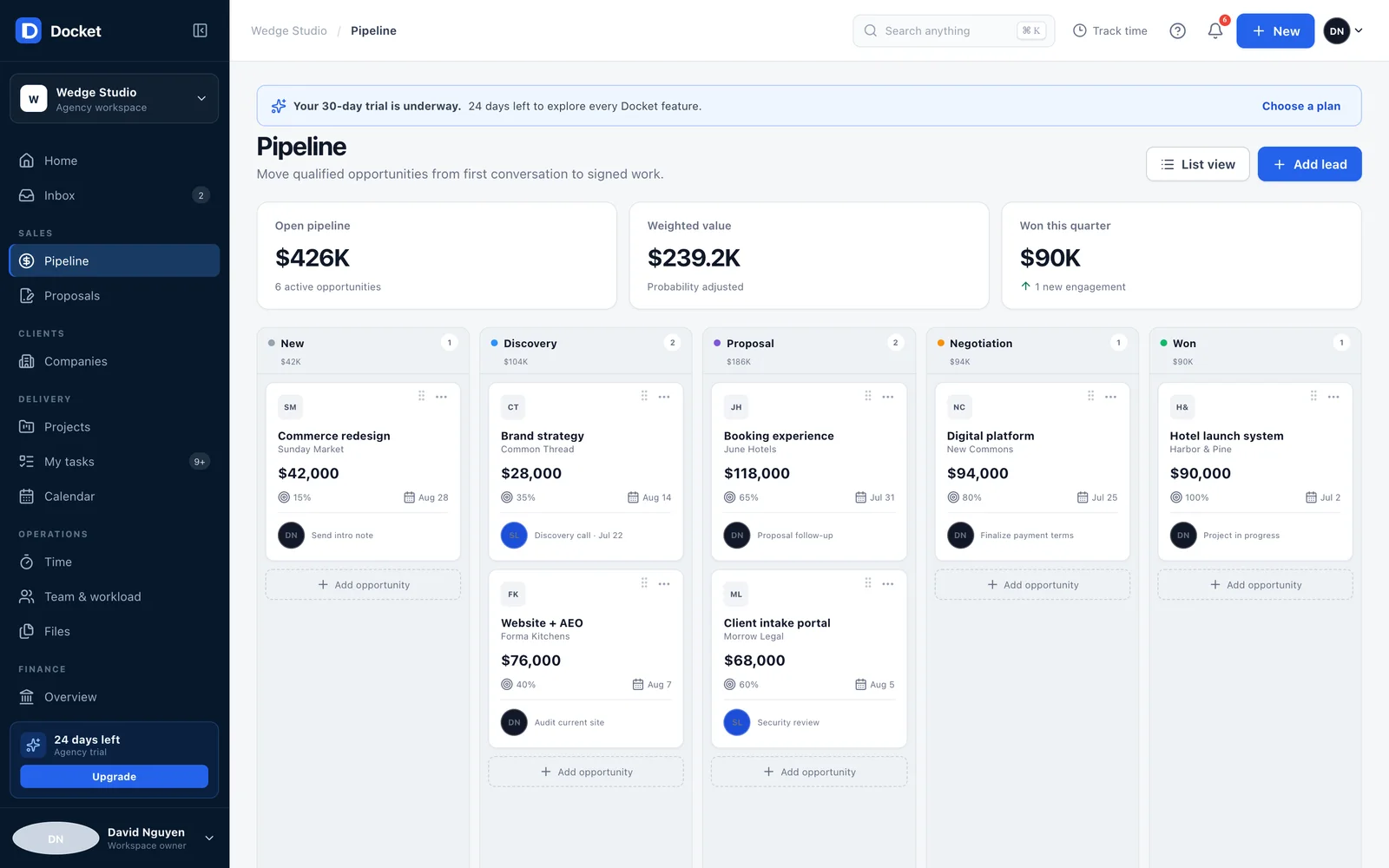
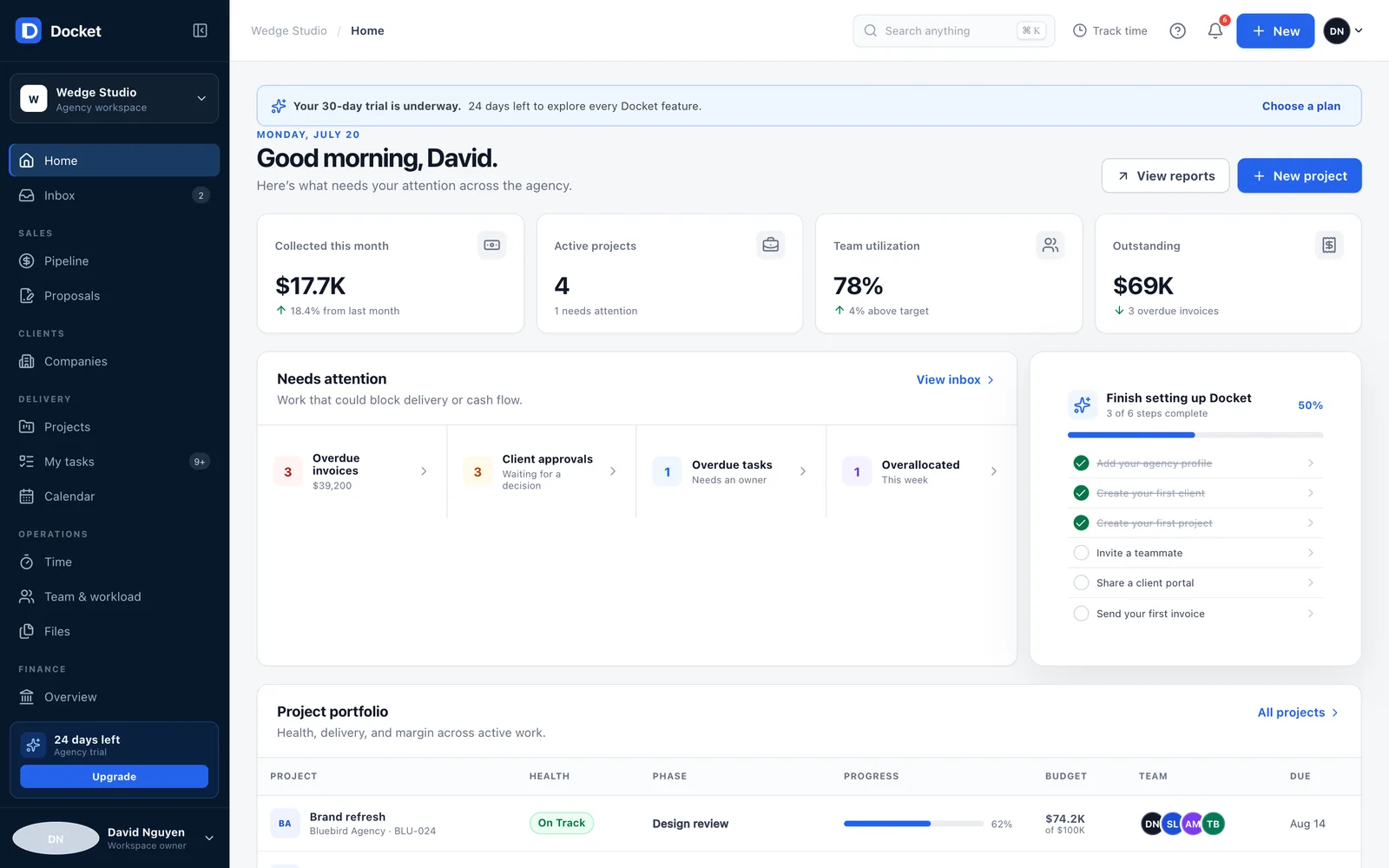
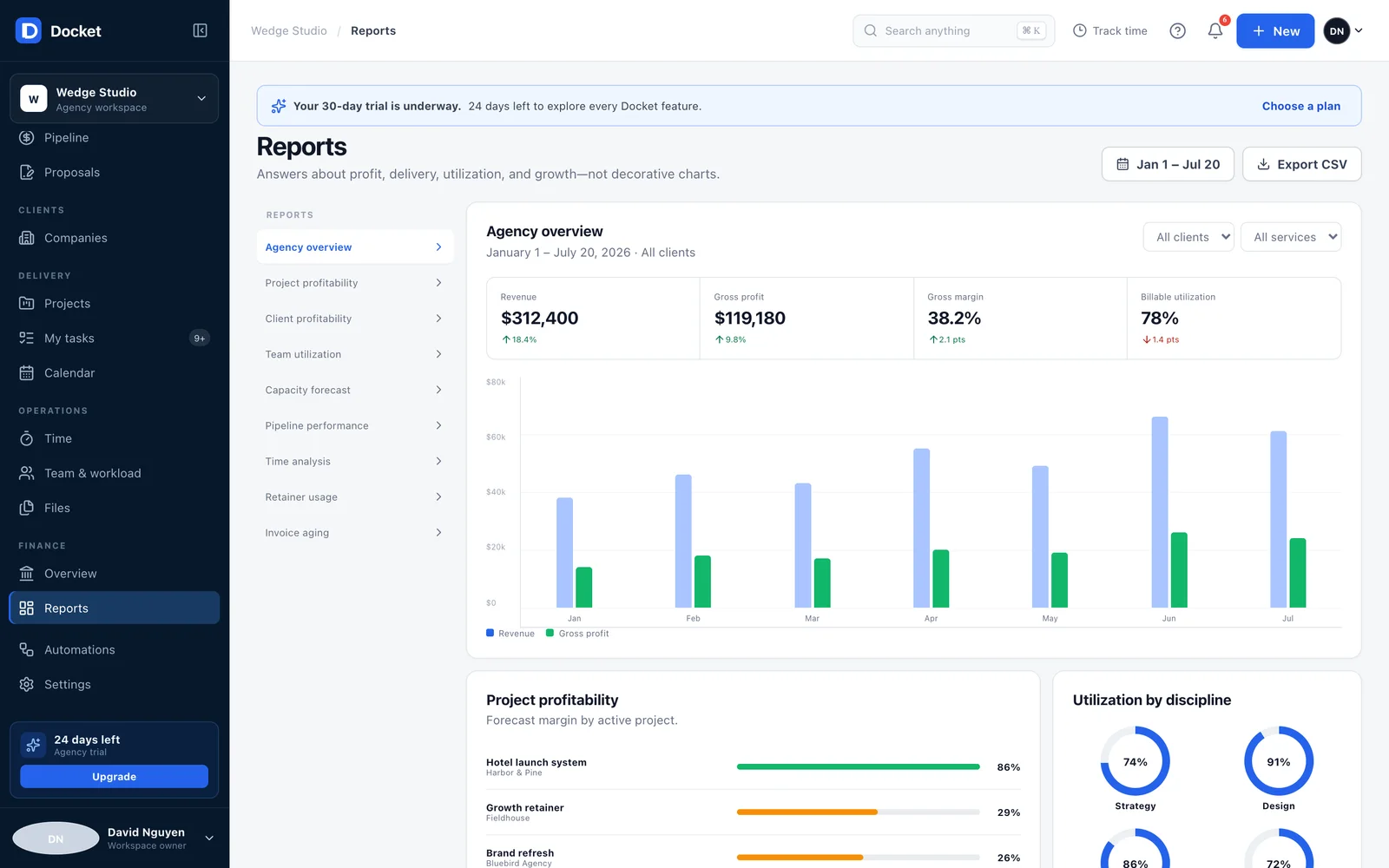
If the software works for Wedge, it should work for any small studio with the same problem. On July 20 I built Docket for agencies, a multi-tenant prototype of that idea, in one sitting. It runs fully in the browser on demo data and has not shipped.
It covers what the Wedge app leaves out. A CRM pipeline where dragging a deal recalculates the weighted and won totals, a shared inbox tied to each client, reports on margin and utilization, and a 30 day trial signup.
The piece I care most about is the automation builder. Each workflow is a when and then pair. A won deal creates the client, the project and the portal invite. A client requesting changes creates a revision task. Every run is logged with what happened and why.
Designing for other agencies forced decisions the studio never needed. Roles and permissions, a client portal that never shows rates, margin or other clients, and branding so clients see the agency and not the software.
The live app and the prototype meet in the middle. The revision loop and derived status already run in the Wedge app, and the pipeline and automation builder are the next pieces to bring over.
07 · The front door
A public site that shows the product instead of describing it
I designed and coded the v17 homepage by hand in plain HTML, CSS and one small script, and host it on my own VPS behind Caddy. Instead of describing the portal, the page shows it. A feature tour hands one sticky frame between coded timeline, updates and approvals cards.
The cards in that tour are coded in HTML and CSS, not screenshots, so they stay sharp and match the real app's look.
Those cards are small on purpose. Each one shows a single job the portal does, a decision waiting on the client or an update on the record.
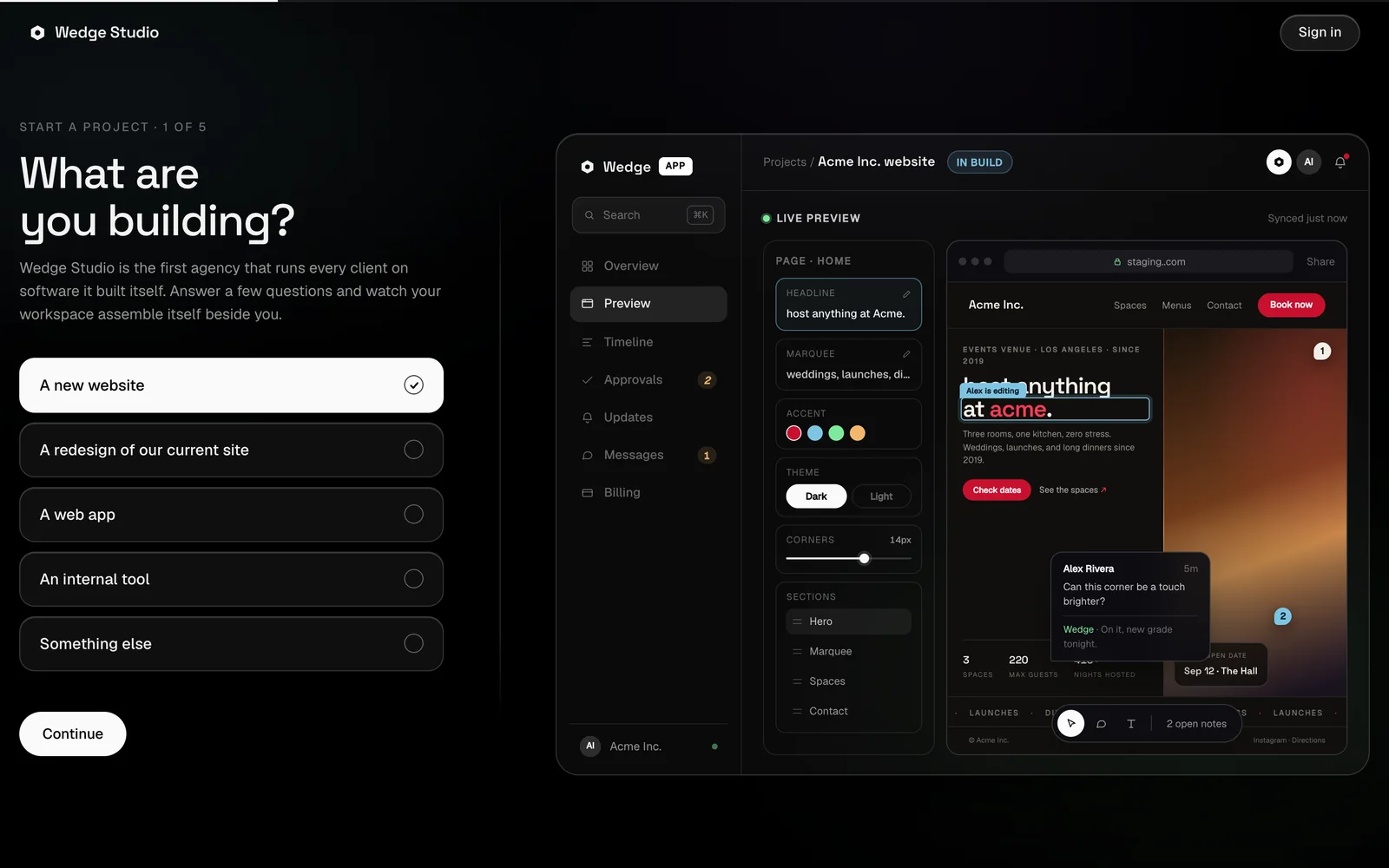
Intake is the first thing a new client touches. The five step form at app.wedgestudio.dev asks what they are building, the business, timing, budget band and notes, while a mock of the Wedge app assembles itself beside the answers.
Today the brief is captured on the page only. Wiring it into the app's brief inbox, which the assistant already reads, is the next step.
On send, the brief flies into the mock, the studio replies inside it, and a receipt plays the brief back so the client can check what they asked for.
The site went through twelve directions in June and July before the rebrand to the hexagon mark in August. Each one is frozen in an archive, and v17 replaced them all.
The same story holds on a phone, from the hero to the feature tour.
08 · Client proof
The flagship client runs on the same approach
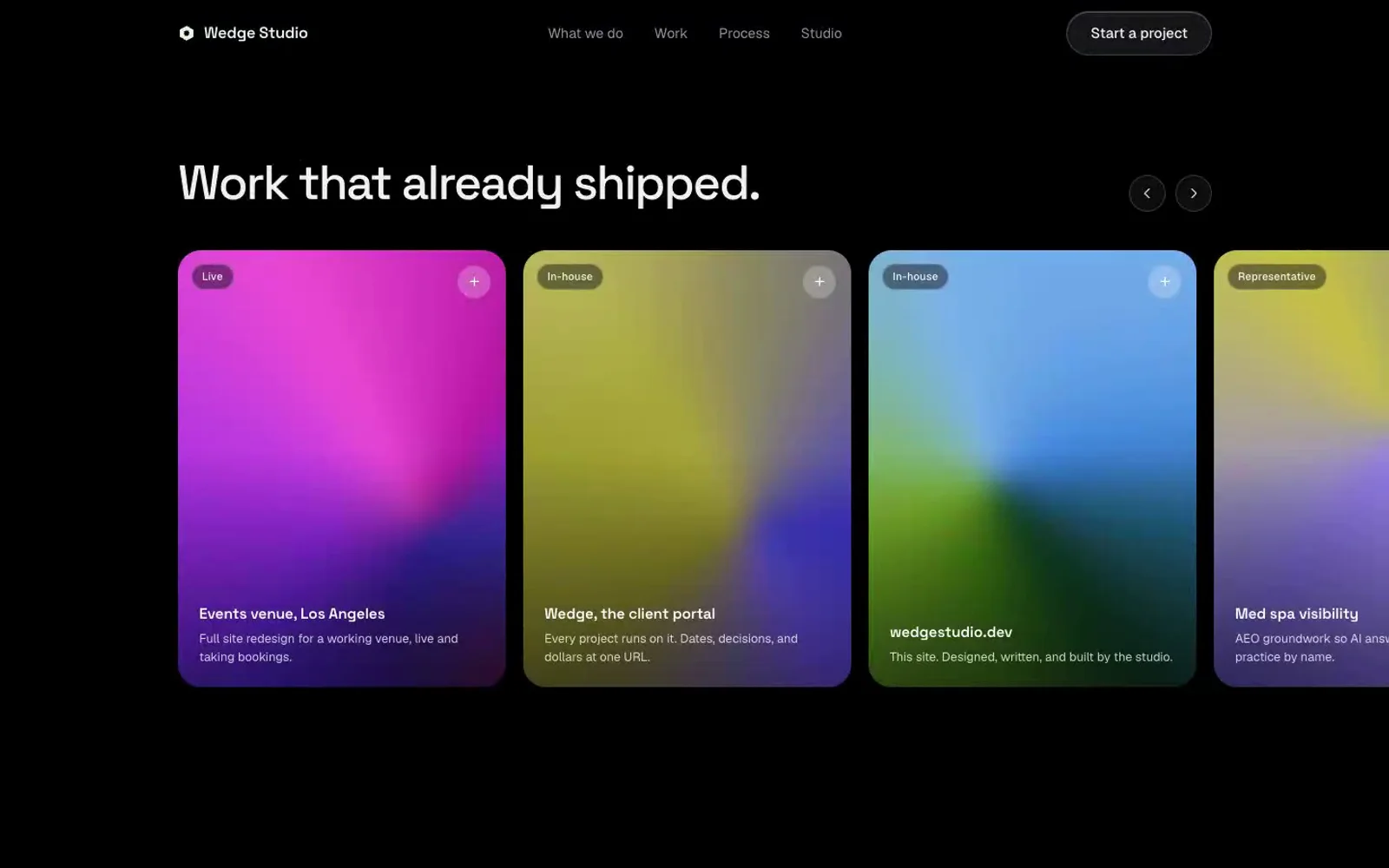
The flagship engagement is a large event venue in Los Angeles. I delivered a full redesign, a self-hosted headless CMS on Payload 3 and Next.js 16, first-party attribution with GA4 and Google Ads conversion tracking, and CRM lead forwarding, so every paid lead is attributed and the venue's ads agency can measure spend.
Lead forwarding is the automation that runs in production. Each submission is stored first, then sent to the CRM through an outbox with an idempotency key and retried on a schedule from one minute out to 48 hours before it is parked for review. A render and diff parity check gates every deploy.
- audit defects fixed
- 15
- on the flagship client build
- image payload
- 42 to 27 MB
- asset weight pass on the client site
- automated tests
- 244
- run with the parity gate before deploys
- Wedge app live
- Aug 23
- wedge.daviddn.cloud, same day as the rebuild
09 · Where it stands
What runs today, and what is still a prototype
I keep an honest ledger of the automation, because the gap between a demo and a habit is the whole product.
10 · What I learned
Speed is cheap now, so the question is what matters
This summer I shipped nearly everything through agents in Claude Code, and within a few weeks output stopped being my constraint. Three portals in seven weeks is proof of that, and also a warning. Speed let me skip the question of whether something mattered.
Now I write down the goal and what evidence would prove it before I open a terminal. For Wedge the goal is fewer hours between a client asking and the studio shipping. The evidence I have not collected yet is how many hours that is, and that is the next thing I will measure.
After that, the plan is plain. Connect intake to the brief inbox, bring the pipeline and the automation builder into the live app, and find out whether the version for other agencies is ready for a second studio to try.
Archive